
Short answer: iPhones contain motion sensors — an accelerometer and a gyroscope — that measure movement many times per second. A slap shows up as a sudden, sharp spike, and the size of that spike says how hard you hit. Apps can read this motion data through Apple's frameworks and turn a spike into a sound, a face and a buzz. iOS uses a similar idea for its own Back Tap feature.
The sensors inside your iPhone
- Accelerometer: measures acceleration along three axes. It's what knows which way is down and when the phone is shaken.
- Gyroscope: measures rotation — how fast the phone is turning or twisting.
- Together they power everyday things like screen rotation, step counting and motion-controlled games.
What a slap looks like to a sensor
While you hold the phone still, the readings are calm, with only small wobbles from your hand. A slap on the back is completely different: a very short, sharp jolt, followed by a quick settling as your hand absorbs the hit. A gentle pat makes a small spike; a big slap makes a tall one. That difference is what lets an app react to how hard you hit, not just whether you did.
From spike to scream: how an app can react
- Listen to the motion data continuously while the app is open.
- Ignore normal movement such as walking or turning the phone, using a threshold.
- Measure the peak of the jolt to estimate the force of the slap.
- Map the force to an intensity level — from a mild whimper to a full scream.
- Respond instantly with a sound, a facial expression and haptic feedback.
- Watch the rhythm: slaps in quick succession can count as a combo.
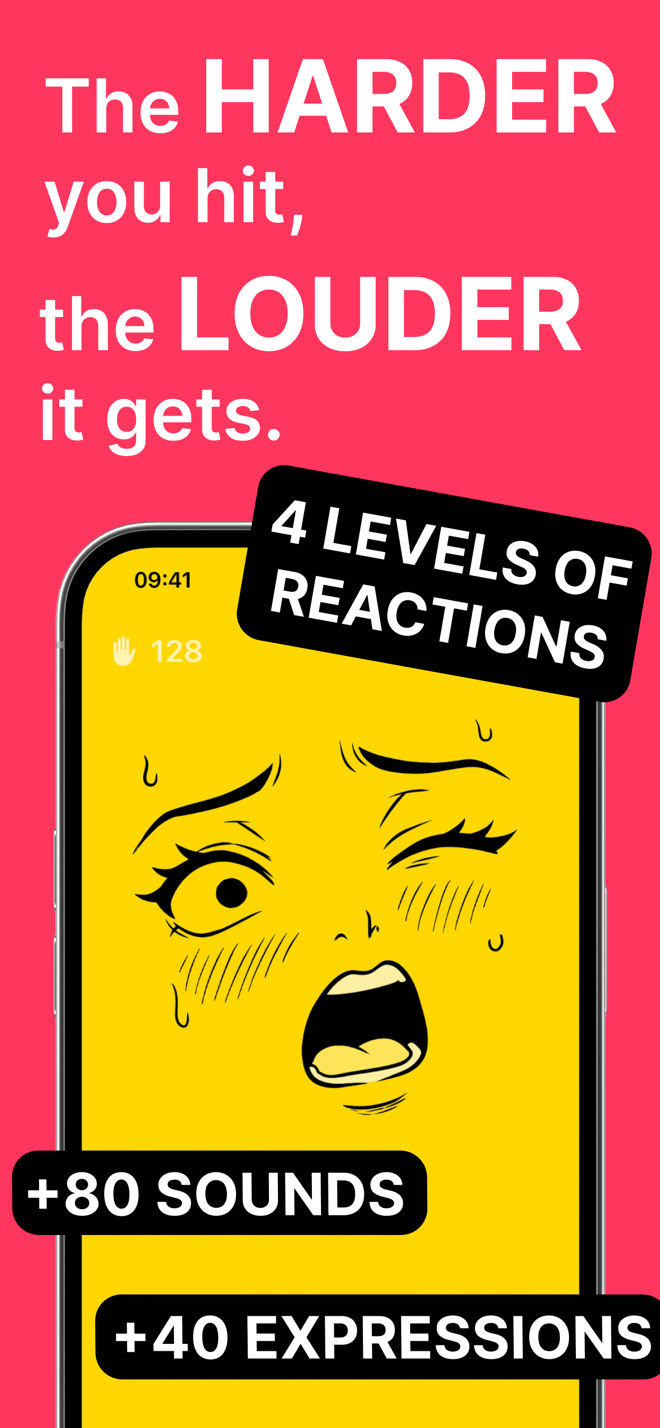
Every app has its own recipe and tuning. You don't need to know Spank Phone's to enjoy the result: the harder you hit, the louder it gets.
Try it without any app: Back Tap
iOS has a built-in feature that reacts to taps on the back of your phone:
- Open Settings > Accessibility > Touch.
- Tap Back Tap (available on iPhone 8 and later).
- Choose Double Tap or Triple Tap and pick an action, for example Screenshot.
- Tap the back of your iPhone two or three times: the action runs.
Back Tap is great for shortcuts, but it can't tell a gentle pat from a slap — and it definitely doesn't scream. That's where a slap app comes in.
Why grip and case matter
A firm grip and a clean, open-palm slap in the middle of the back produce a sharp, clear jolt. A loose grip lets the phone fly around, which is both less precise and much riskier. A case protects the phone without stopping the fun. For the full list of do's and don'ts, read is it safe to slap your phone?
How to do it with Spank Phone
- Download Spank Phone from the App Store and open it.
- Hold your iPhone firmly in one hand, screen facing you.
- Give the back a light pat and notice the mild reaction.
- Slap harder and hear the difference — the reaction scales with your force.
- Slap quickly in a row to see combo mode kick in, and feel the haptics hit back.
FAQ
What is Back Tap on iPhone?
Back Tap is an iOS accessibility feature that runs an action when you double- or triple-tap the back of your iPhone. Find it in Settings > Accessibility > Touch > Back Tap.
Why does a slap app react differently each time?
Every slap is physically a little different. Spank Phone also picks from over 80 sounds and 40 facial expressions, so every slap is unique.
Does the way I hold the phone matter?
Yes. A firm grip and a clean, open-palm slap in the middle of the back give a sharp, clear impact, which is also the safest way to slap.