
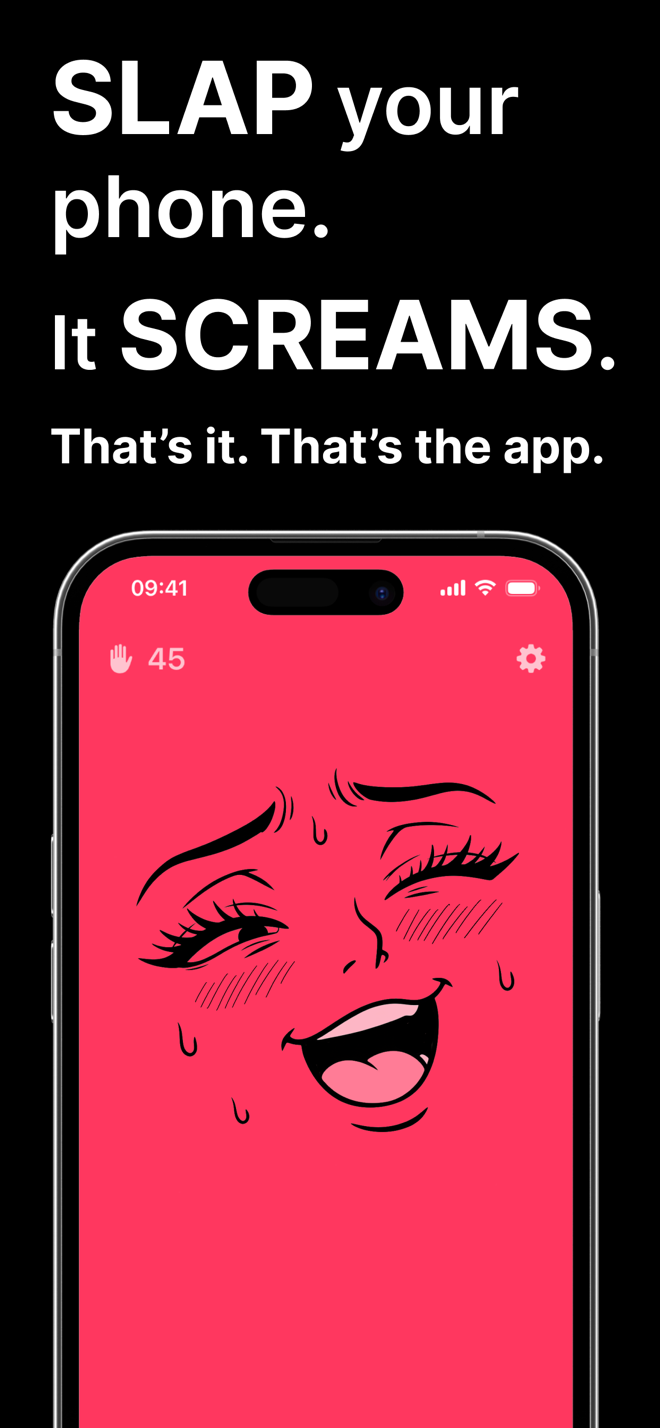
Short answer: to get the SlapMac experience on iPhone, install Spank Phone. Hold the phone, slap the back with an open hand and it reacts with a scream, a face, a colour flash and a vibration that match how hard you hit. It's an independent app, not affiliated with SlapMac.
What people love about "slap your device" apps
The trend works because it's physical and stupid in the best way. You do something you'd never normally do to a gadget, and it reacts as if it has feelings. That's the whole joke, and it lands every time you show someone.
On a phone it gets even better:
- It's always in your hand. No need to be at a desk. Bus, couch, party, queue.
- Easy to pass around. Hand it to a friend and let them find out.
- You feel it. Haptic feedback makes each slap feel like it actually landed.
- Modes built for groups. Timed challenges, pranks and a party tournament on one device.
Mac vs iPhone: what changes
- Where you hit. On a laptop you slap the body or the palm rest. On iPhone you slap the back while holding it, never the screen.
- How hard. A phone needs far less force. Light taps register fine, and sensitivity is adjustable.
- What comes back. Sound plus a full-screen face, flashes and vibration, scaled across four levels: Light, Medium, Hard, Super Hard.
- What you do next. Combos, a 7-second Frenzy, a Prank Mode trap, a 2–8 player tournament and leaderboards.
How to do it with Spank Phone
- Download Spank Phone from the App Store and turn the volume up.
- Play the onboarding: guided Light, Medium and Hard slaps, a combo and a Frenzy round.
- Unlock the full app with the one-time purchase (no subscription, no ads).
- Hold the phone firmly and slap the back. Chain fast slaps for a combo.
- Open Modes for Frenzy, Prank Mode and the Frenzy Tournament.
FAQ
Is Spank Phone made by the SlapMac developers?
No. Spank Phone is an independent iPhone app by AlbosApps, not affiliated with SlapMac.
Does it work on iPad or Mac?
Spank Phone is designed for iPhone: you hold the phone in one hand and slap the back with the other.
Do I need to slap hard?
No. Light taps with an open hand are enough, and you can adjust the sensitivity in Settings.